News / How to shop on XIANKU: finding, sizing and ordering
How to shop on XIANKU: finding, sizing and ordering

WELCOME TO XIANKU
Your Complete Shopping Guide
Discover innovative products, find your ideal fit,
and enjoy a simple and convenient shopping experience.
Follow this step-by-step guide to explore products,
select your options, place an order, and track your delivery.
START SHOPPING
01. Explore XIANKU
XIANKU brings together innovative 3D printing technology
and ergonomic product design to create solutions for
everyday comfort and personal needs.
3D Printed Shoes
Discover innovative footwear featuring
one-piece 3D printing, open lattice structures,
and functional support.
Orthotic Insoles
Explore different insole options designed
for different foot arch types.
Ergonomic Pillows
Discover ergonomic pillow designs
with different support structures and heights.
Ergonomic Backpacks
Explore ergonomic backpack designs
for everyday use, commuting, and school.
STEP 01
Visit the XIANKU Official Website
Start by visiting our official online store:
www.xianku.shop
Explore the Navigation Menu
Home: Return to the main homepage.
Personal: Access the personal shopping section.
Business: Enter the business purchasing section.
Updates: Explore the latest updates.
Search: Find products by entering keywords.
Currency and Language: Select your preferred display settings.
Favorites: Access your saved products.
Shopping Bag: Review your selected products.
Account: Access your personal account.
TIP: Sign in to access your account dashboard,
order history, saved addresses, and other personal features.
STEP 02
Browse Product Collections
Click Shop the Collection on the homepage
to explore available products.
Choose the product category you are interested in.
Browse the available product collections.
Compare product images and descriptions.
Click a product to enter its detail page.
TIP: Compare product specifications and available options
before making your selection.
STEP 03
Explore Product Details
Every product detail page provides important information
to help you make an informed purchase.
Product Gallery: View product images and videos from different angles.
Product Name: Confirm the product name and series.
Customer Reviews: Review available ratings and customer feedback.
Price: Check the current selling price and displayed discounts.
Availability: Check whether the product is in stock.
Product Features: Read the product description and key benefits.
Shipping Information: Review the shipping information displayed on the page.
IMPORTANT: Product prices, discounts, availability, and shipping
information may change. Always refer to the live product page.
STEP 04
Use the Size AI Assistant
For products with the Size AI Assistant,
you can enter your usual shoe size to receive
a suggested XIANKU size.
Select your gender: Men or Women.
Choose your usual size system:
US, EU, UK, JP, or KR. Select your regular shoe size.
Review the suggested XIANKU size.
Compare the recommendation with the foot-length range
shown in the product options.
TIP: Sizing recommendations are product-specific.
Always check the actual foot-length range before ordering.
STEP 05
Select Your Product Size and Color
Select your preferred XIANKU order size.
Check the corresponding foot-length range
displayed below the size options.
Select your preferred product color.
Review all selected specifications.
Make sure your selections are correct before proceeding.
IMPORTANT: Only select sizes and colors currently available
on the product page. STEP 06
Review Your Shopping Cart
After selecting your products, review your shopping cart
before proceeding to checkout.
Check the product name and selected specifications.
Confirm the quantity of each product.
Adjust quantities if necessary.
Select an available coupon, if applicable.
Check the subtotal and shipping cost.
Review the final order total.
Proceed to checkout when everything is correct.
TIP: Make sure all product specifications are correct
before continuing to checkout.
STEP 07
Enter Your Shipping Information
Complete the shipping form with accurate contact
and delivery information.
Field Required Information
Email Your valid email address
Phone Your contact phone number
Full Name Recipient's full name
Country Destination country or region
Address Line 1 Street address and house number
Address Line 2 Apartment or unit number (optional)
City Delivery city State State or province
ZIP / Postal Code Correct postal code
Select a saved address if it is still correct.
Enter your email and phone number.
Fill in the recipient's full name.
Complete all required address fields.
Double-check the information before proceeding.
IMPORTANT: Incorrect contact or shipping information
may cause delivery delays.
STEP 08
Choose Your Payment Method
After completing your shipping information,
continue to the Payment step.
Review the payment methods available at checkout.
Select your preferred available payment method.
Read the payment instructions displayed on the page.
Click Review Order to continue.
Follow the payment provider's instructions.
Wait for the payment result before closing the page.
SECURE PAYMENT: The checkout page states that payments are processed
by the payment provider and XIANKU does not store
your card details. STEP 09
Access Your Personal Account
After signing in, open your account profile
to access your personal dashboard.
Your dashboard provides an overview of:
Total Orders Favorites Reward Credits
Pending Shipments Unpaid Orders
Select Orders from the left-side menu
to review your purchase history and order status.
STEP 10
Manage and Track Your Orders
Each order provides different management options
depending on its current status.
Button Function Pay Now Continue payment for an unpaid order.
Track View available shipment tracking information.
Reorder Start another order using the same product selection.
Invoice Access the order invoice, if available.
Order Inquiry Send a question about a specific order.
TIP: Keep your order number available whenever
you contact customer support.
STEP 11
Explore Your Account Features
Overview: View your account dashboard.
Orders: Review your purchase history.
Favorites: Revisit saved products.
Browsing History: Find products you previously viewed.
My Measurements: Access saved measurement information.
Addresses: Manage saved shipping addresses.
Wallet & Messages: Review available account messages and wallet information.
Settings: Manage your personal account preferences.
CUSTOMER SUPPORT
Frequently Asked Questions
1. How do I choose the correct shoe size?
Use the Size AI Assistant when available.
Compare the suggested size with the foot-length range
displayed on the product page.
2. How do I know if my order has been paid?
Check your order status in the Orders section
of your personal account.
3. How can I track my package?
Open Orders and select Track when shipment
tracking information is available.
4. Can I change my shipping address?
Contact customer support as soon as possible
if you need to update your shipping information.
Changes may depend on the order status.
5. What should I do if my product arrives damaged?
Take clear photos or videos of the product
and packaging, then contact customer support
with your order number.
6. How can I contact XIANKU?
Use the official customer support channel
provided on the XIANKU website.
Include your order number when asking
about an existing purchase.
Thank You for Shopping with XIANKU!
Discover innovative products and enjoy
a smarter shopping experience.
XIANKU — Designed Around You.
Made for Everyday Life. VISIT XIANKU
At a glance
- Category
- Footwear (8 products)
- Price range
- $129.99 – $249.00 USD
- Foot length covered
- 220–295 mm (EU35–EU46)
- Colour options
- up to 8
Where to go next
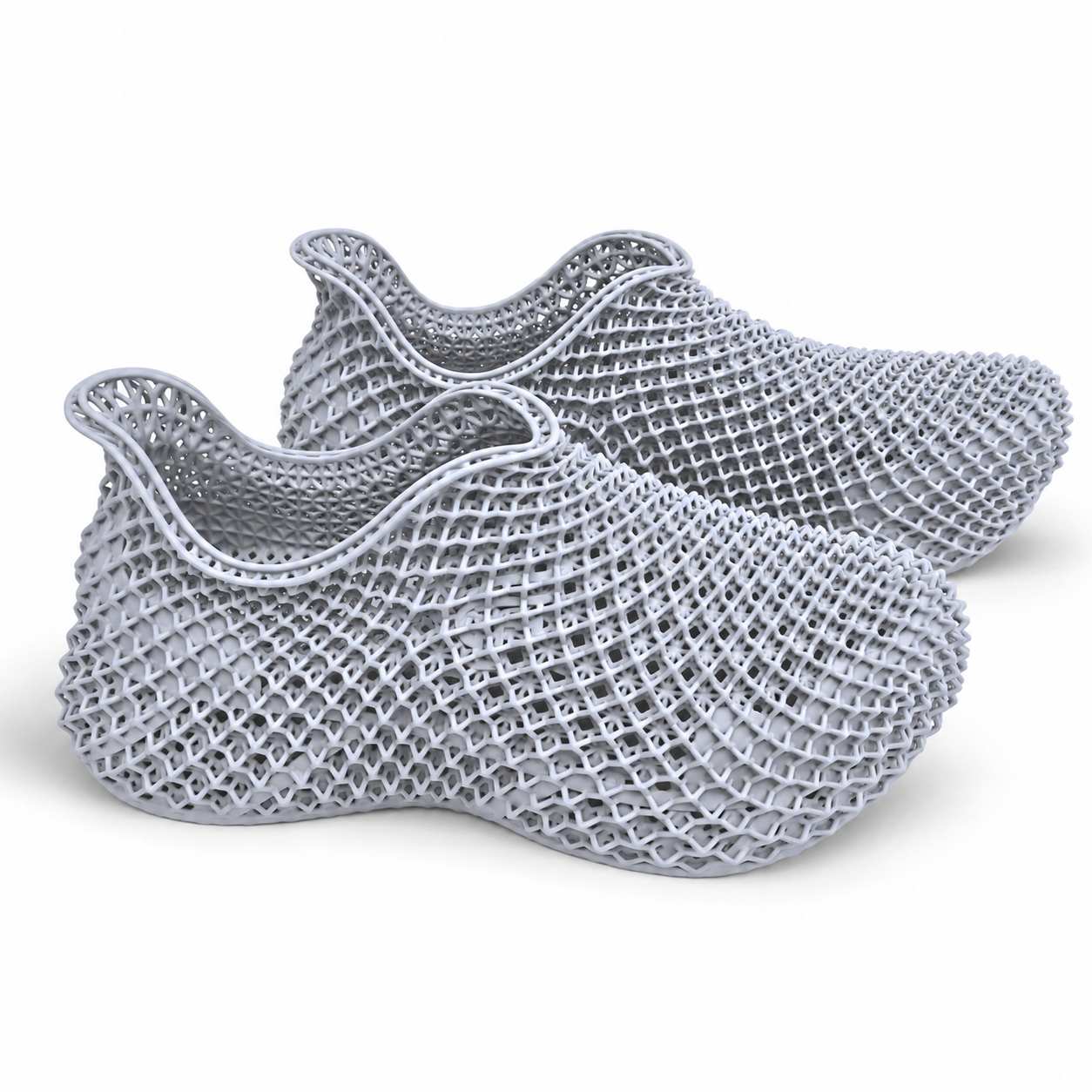 3D Printed Shoes - Next Realm Seriesshoes
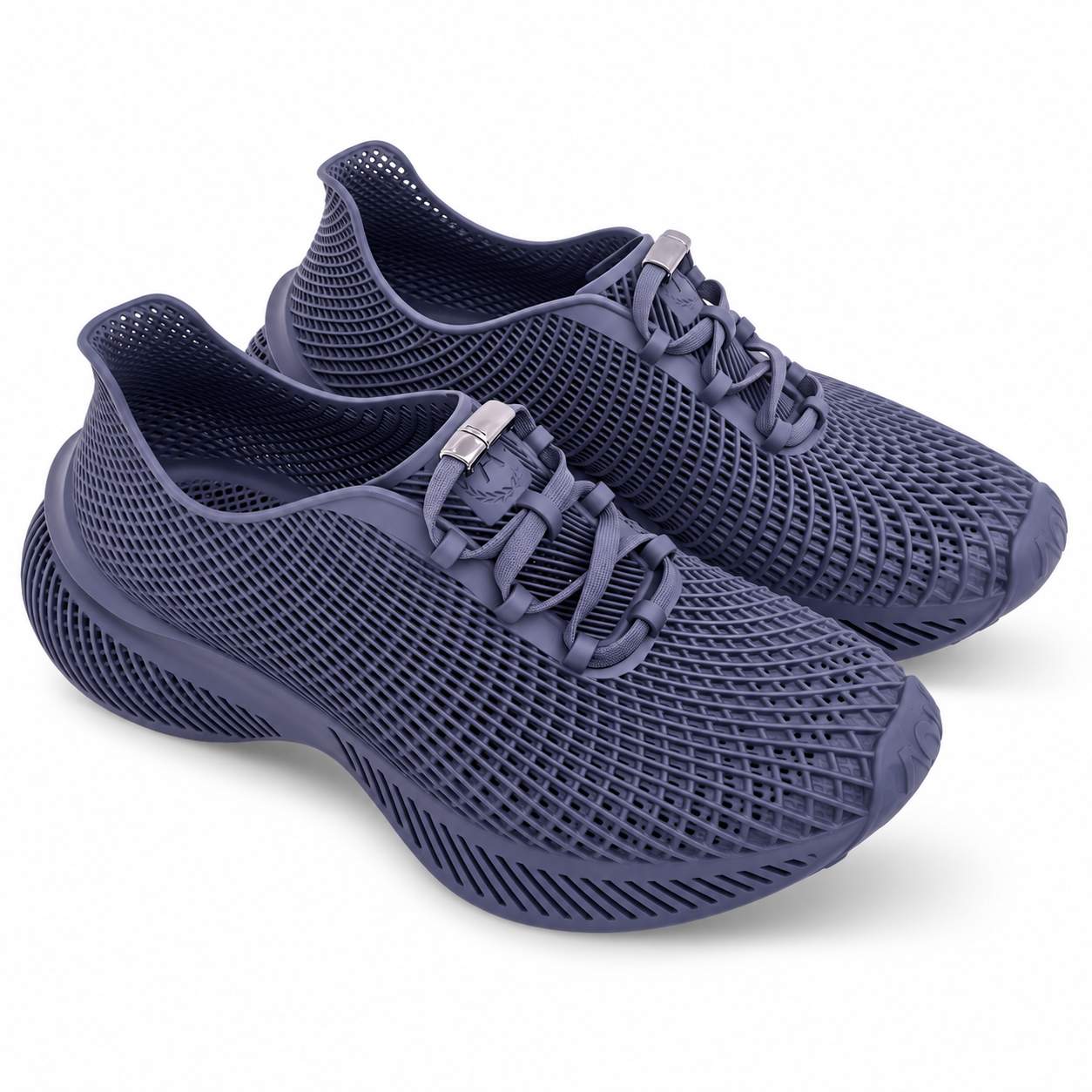 3D Printed Shoes - Elsewhere Seriesshoes
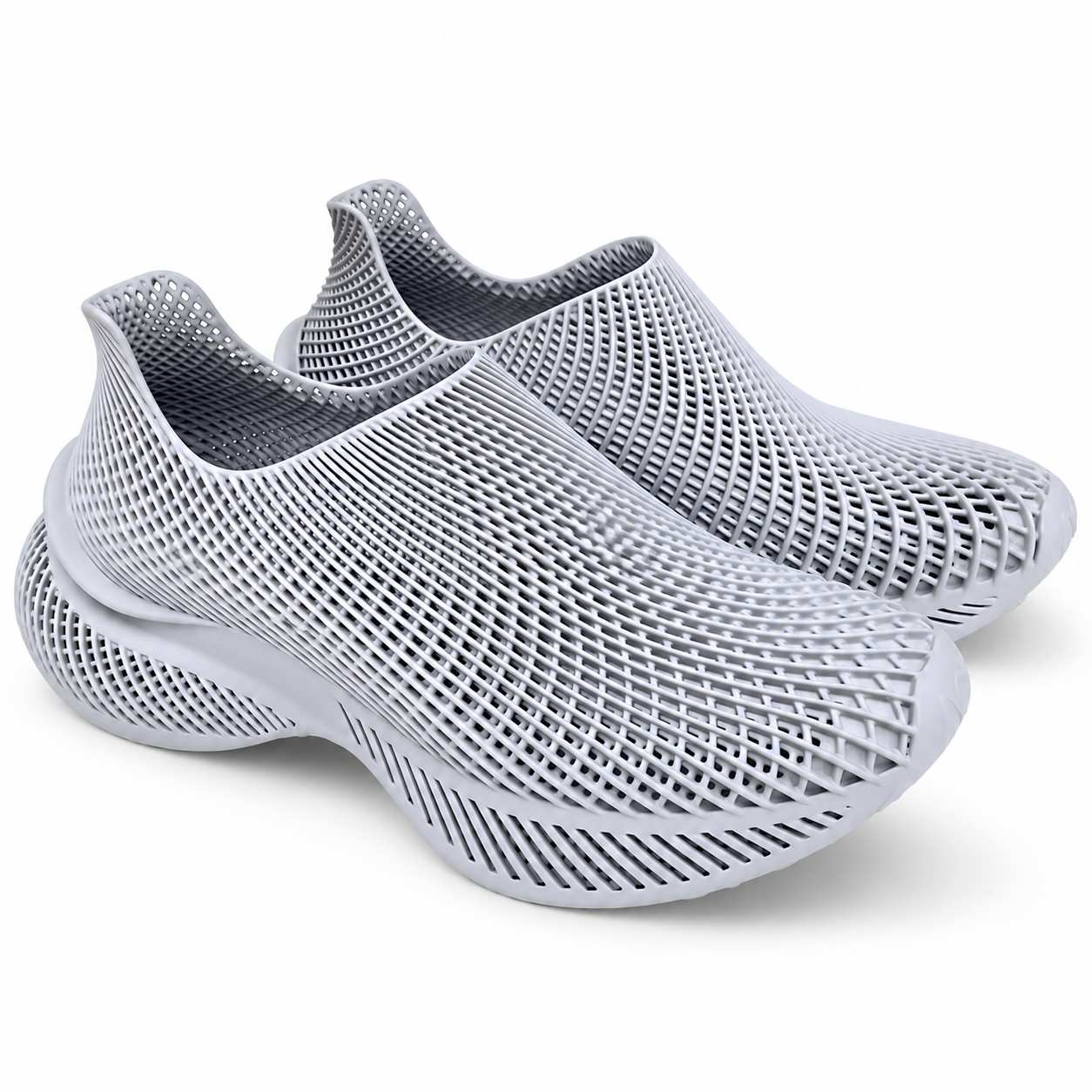 3D Printed Shoes - Unbound Seriesshoes
XIANKU · Prices in USD · Shop all · About XIANKU · Shipping · FAQ · Contact · Privacy · Terms · Business